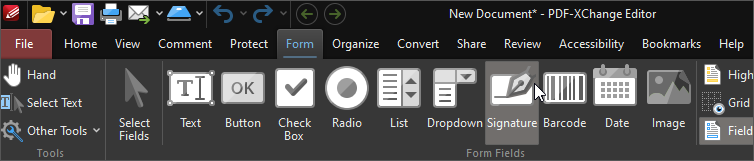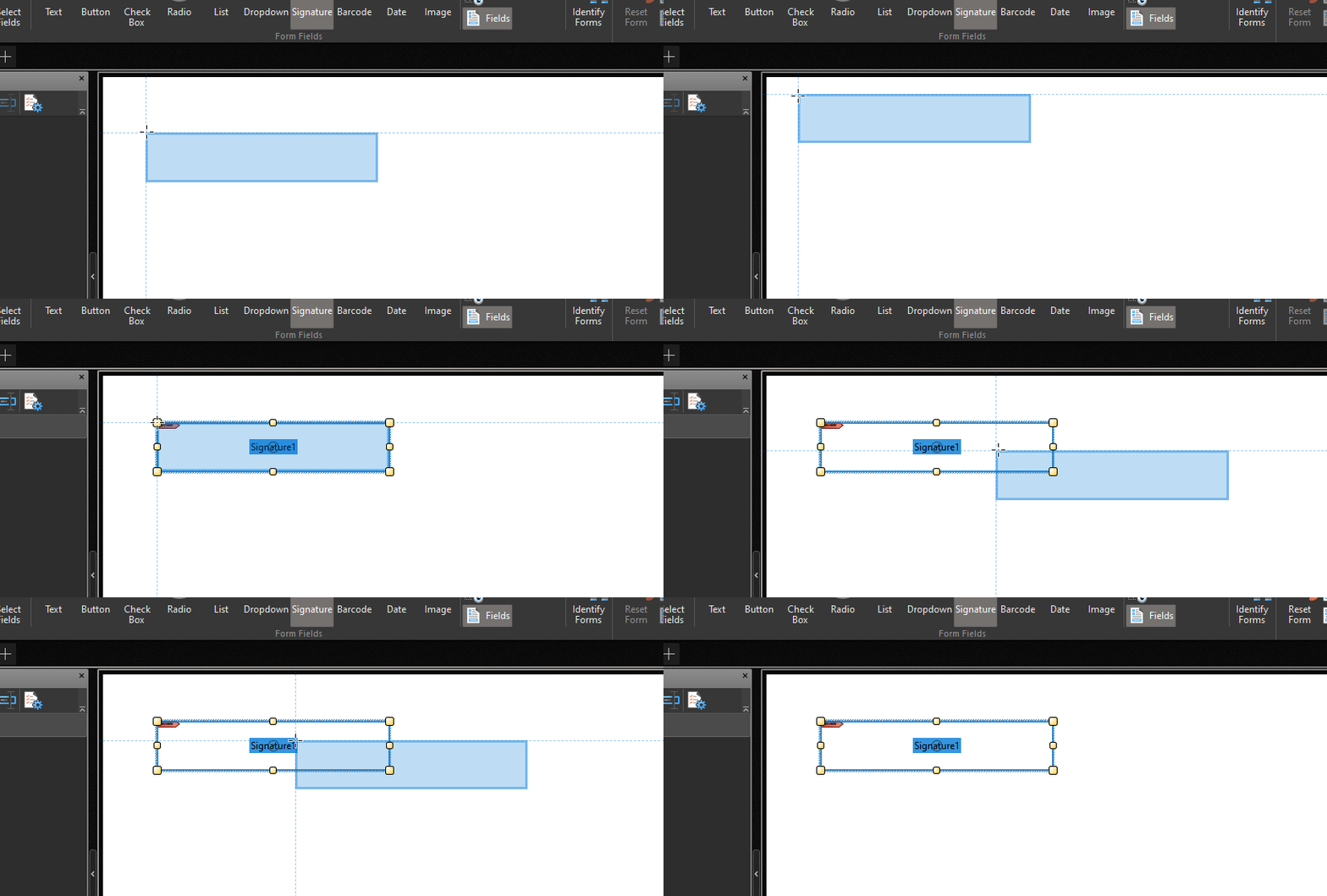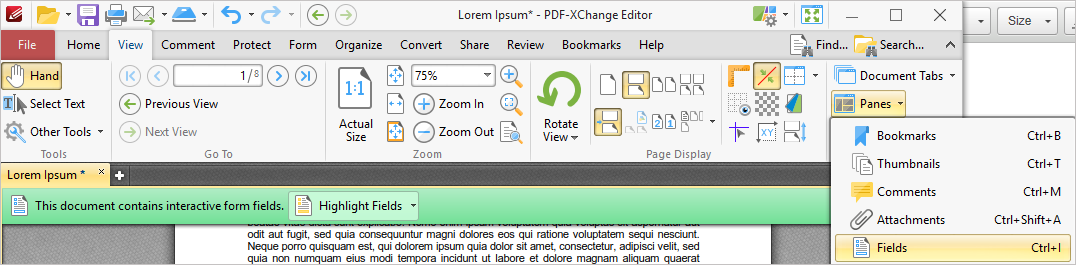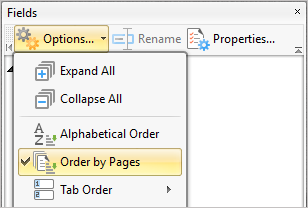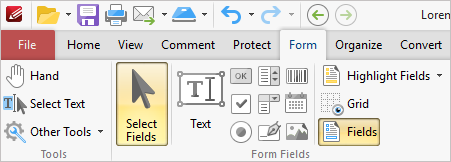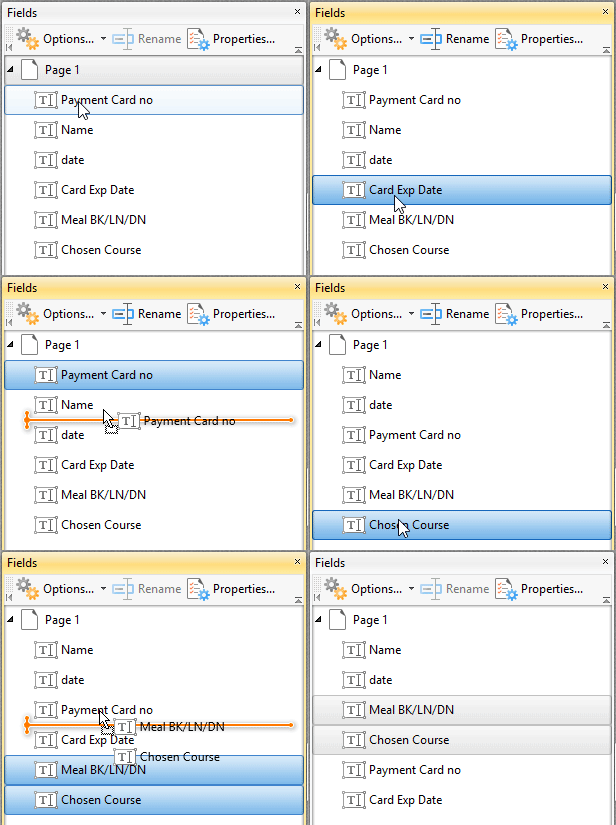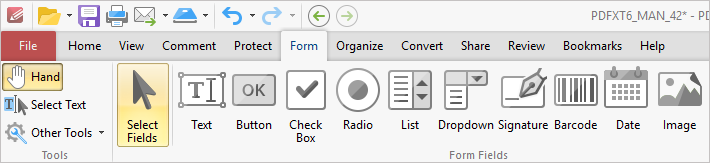
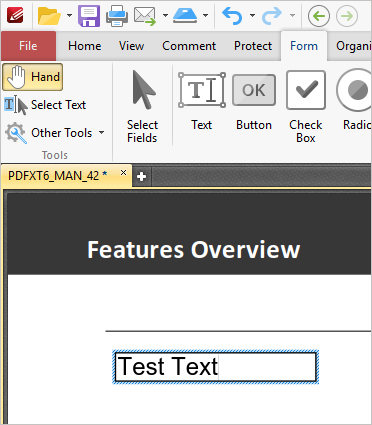
The Text Field mode is used to add text fields to documents. Text fields are used to denote a space in which users can can enter text, such as their address, or credit card details. Date fields are a custom Text field that prompt the user for a date when clicked. See here for further information.
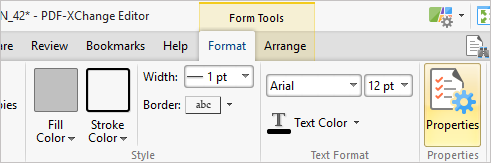
Once you have placed a text field, you can Customize the format by giving it a background color, changing the text color, and more. All of these options are available in the Format tab, on the right of the ribbon:

After you have customized the field to your liking, you can simply go back to the Hand tool to begin filling the field or send it to a Client to fill in.
Editing Font Details
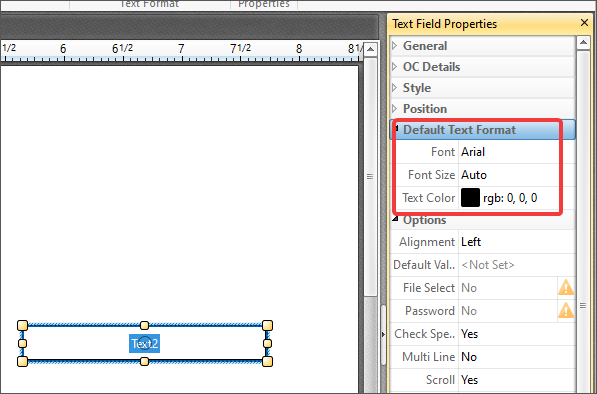
To edit font details of a form field, it must be selected with the Select Fields tool, as detailed above. Once that is done, you can see the font details of the field(s) in question in two locations
1. On the Format tab, which appears dynamically after you have selected a field:

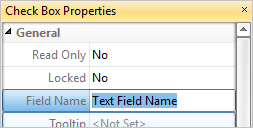
2. In the Properties pane, which is available by pressing Ctrl+~ at any time: