Developers Product Chooser PDF Choosing Wizard Feature Comparison Chart Image Product Chooser Image Comparison Chart

Do it all with PDF-XChange PRO

A product suite that includes all of the above PDF products and allows you to do pretty much whatever you want with PDFs

PRO PDF

PDF-XChange Viewer

PDF-XChange Lite

PDF-XChange Standard

PDF-Tools

Imaging Products


Raster-
XChange


TIFF-
XChange

SDKs for PDFs: SDKs for Imaging: Clarion® SDKs:

PDF Related

Imaging Products

Clarion® Developers now have the choice of using our generic SDKs, or downloading our Clarion® specific SDKs which include extra Clarion® classes, templates and examples for fast and easy integration into their Clarion® based applications.


PDF-XChange Viewer Buy Now

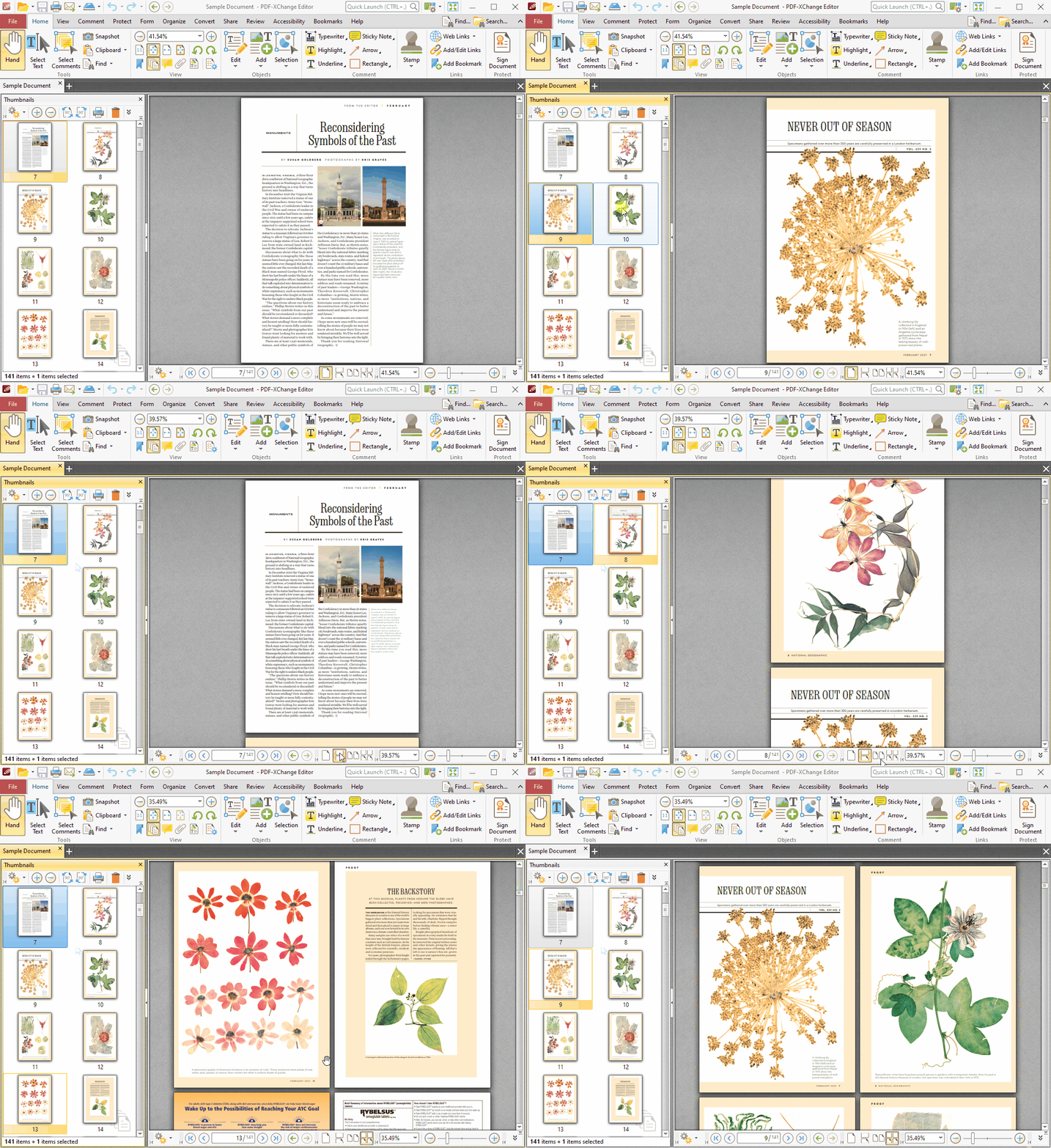
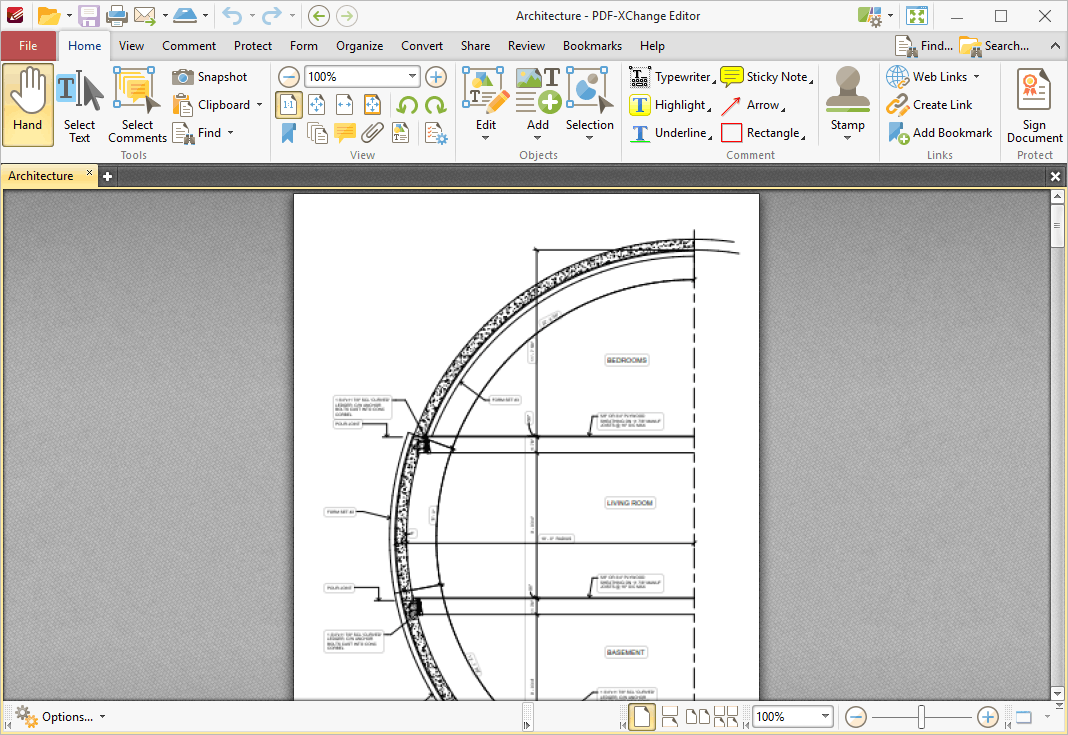
Those wishing to View/Modify or perform simple editing of PDF files on their Windows PC's now have a FREE alternative! The PDF-XChange Viewer is smaller, faster and more feature rich than any other FREE PDF Reader/Viewer/Editor available. This version also allows users to try the extended functionality offered by the PDF-XChange Viewer 'PRO' in evaluation mode - for free. No PDF reader or Viewer offers more features than PDF-XChange - or does so without compromising performance and quality, checkout the feature list below and save $100's in unnecessary expenditure. Also included are the very powerful PDF-XChange Shell Extensions and iFilter.


**SPECIAL LIMITED TIME OFFER**

Tracker Software Products is pleased to offer our customers who have purchased PDF-XChange Viewer (PRO version),  the means to convert to PDF from any windows based application with a 'FREE' copy of PDF-XChange 4.0 Lite. - more info

The FREE version of the PDF-XChange Viewer may be used without limitation for Private, Commercial, Goverment and all uses, provided it is not -: incorporated or distributed for profit/commerical gain with other software or media distribution of any type  - without first gaining permission. Software Developers SDK available for licensing in 3rd party software products etc.


Included FREE features:

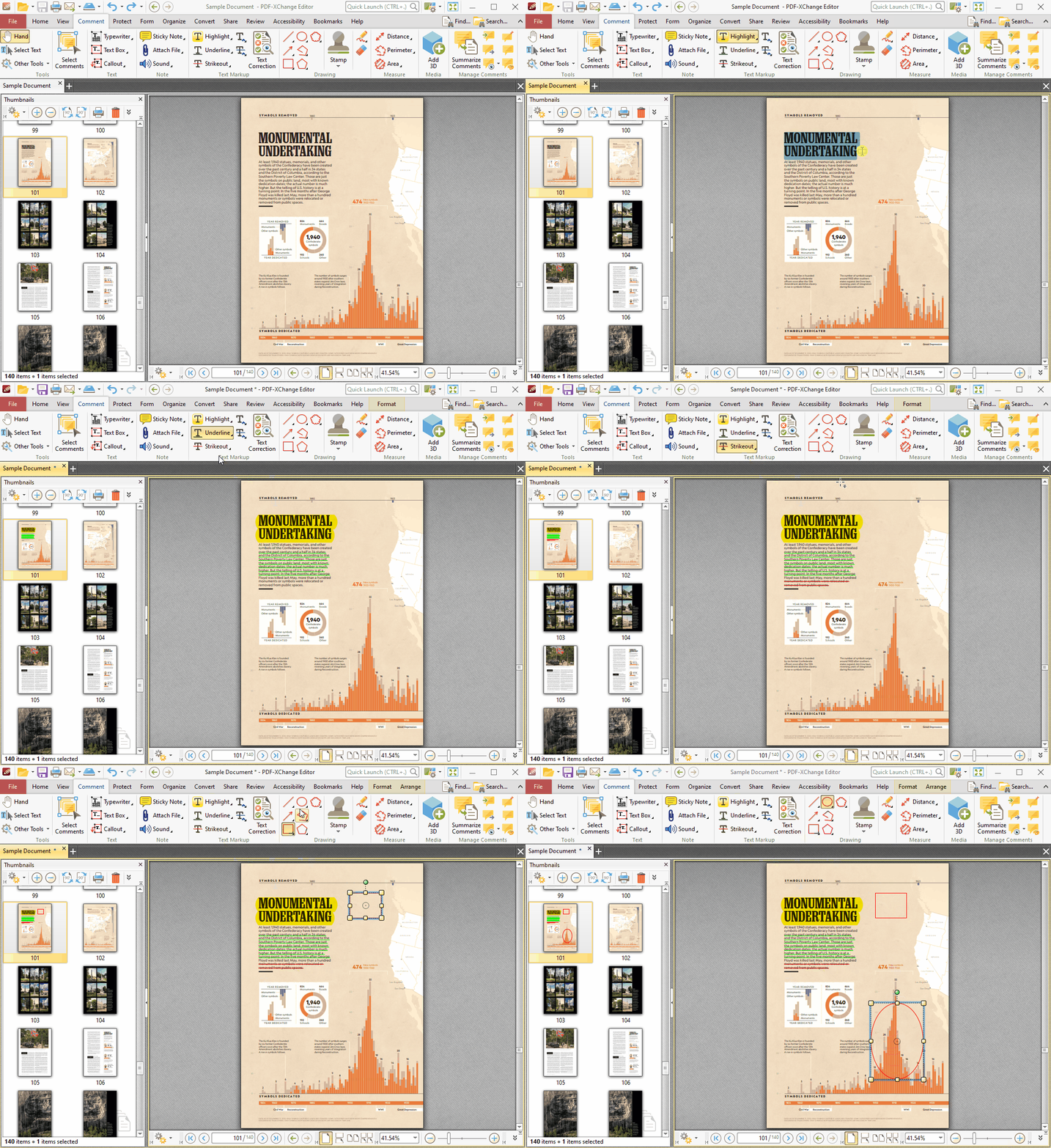
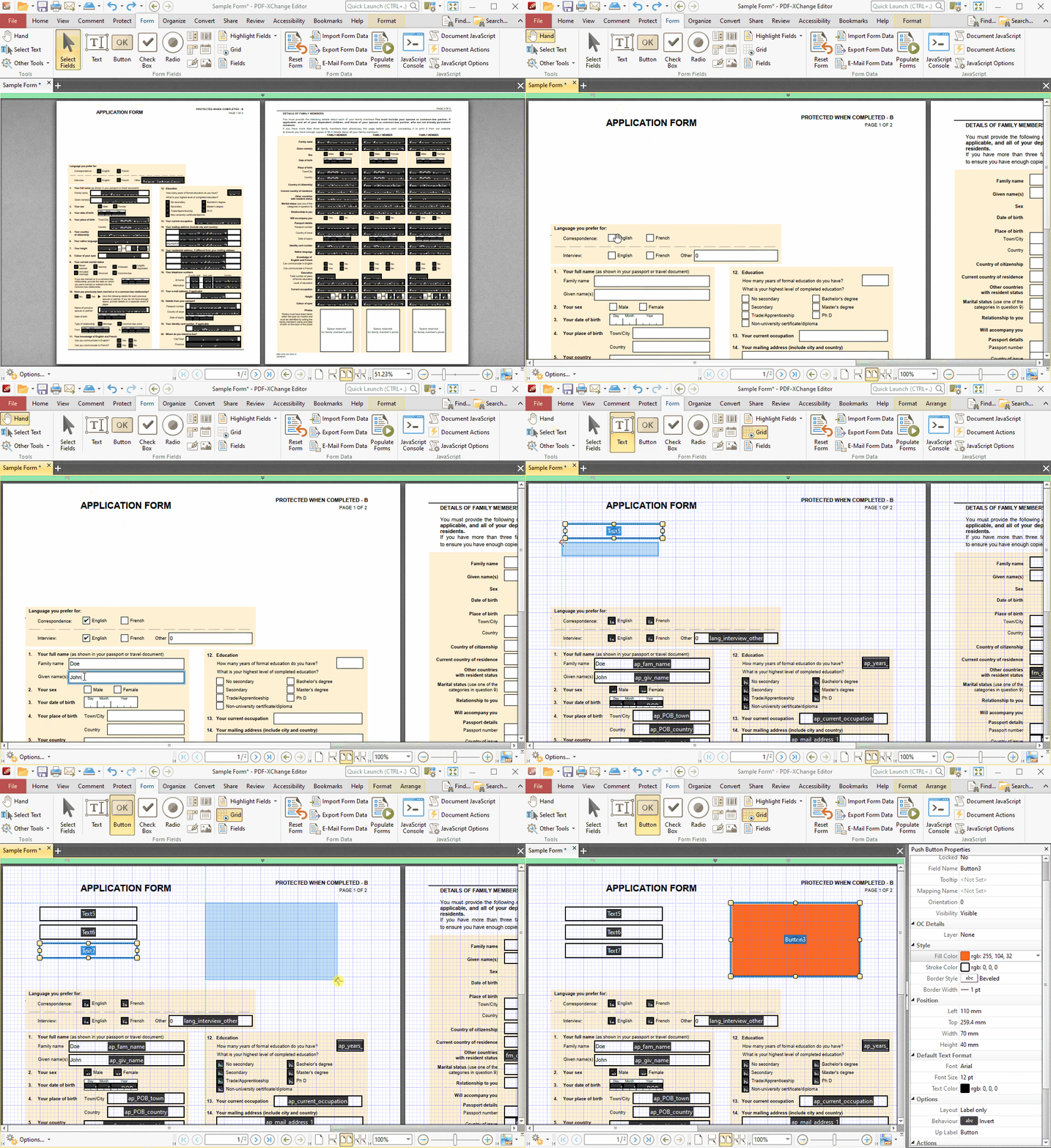
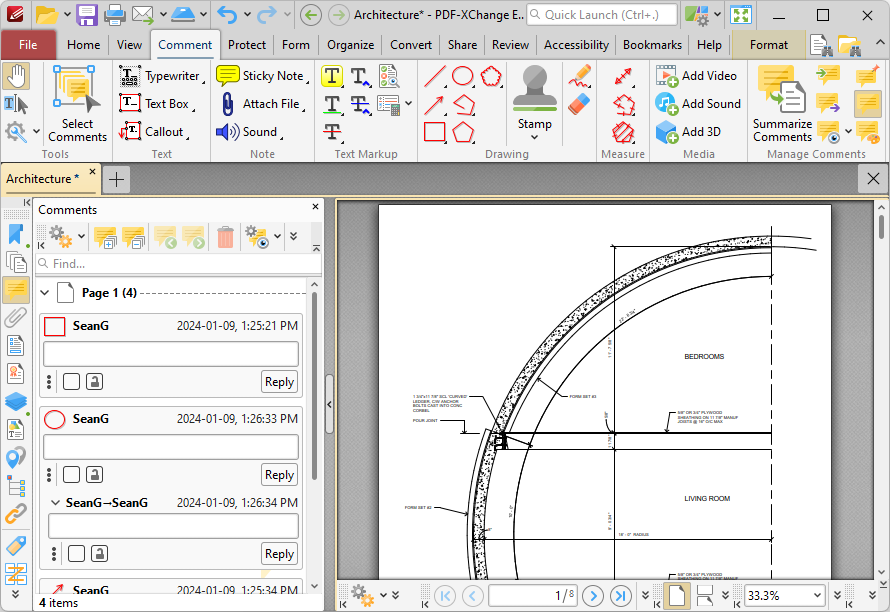
  • Add Comments and Annotations to any PDF file (subject to security settings) - unlike the Adobe Viewer which requires the PDF creation tool to be 'certified' by Adobe !
  • Add & apply Custom Stamps from any Image or PDF File and even your Windows Clip board !
  • Measurement Tools incl. perimeter and area
  • Mark-up pages with text and objects
  • Type directly on any PDF page, not just Adobe enabled forms documents - in Typewriter mode.
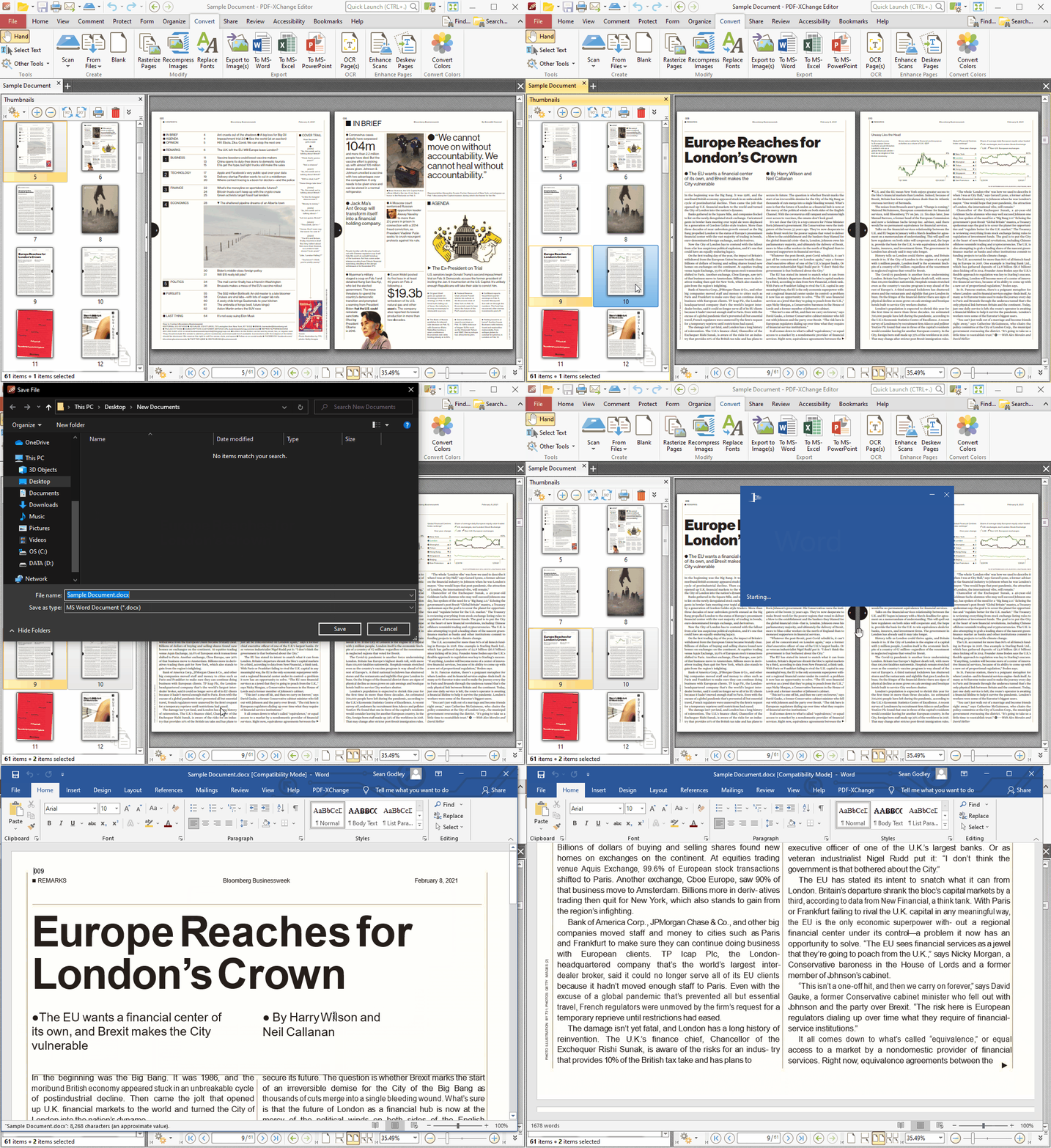
  • Export PDF pages or entire files to any one of the supported Image formats including BMP, JPEG, TIFF, PNG and many more ...
  • Extract text from a PDF page/File
  • Make your navigation of large or complex PDF files both simple and enjoyable with the extended functionality of our 'Loupe' and the 'Pan' Window tools
  • PDF Security Support including 40/128 bit RC4 and 128/256 bit AES Encryption Password and Permissions Add/Edit
  • Fill and Save Adobe Forms to disk, email or 'post' !
  • UI Customization (color scheme, borders, scroll bars visibility).
  • Full Javascript Engine included
  • Store/Restore of last opened files (last session)
  • Updated JPEG2000 Compression support - improving speed.
  • Plug-Ins for both MS IE or Firefox Browser's included
  • Integrate seamlessly with your favorite translation software to translate text on the 'fly' - including :  ABBYY Lingvo 12, Translate It!, Lingoes.
  • Auto-Highlights Fillable Form Fields

Included FREE features:

  • Adobe® Porfolios® Supported
  • Includes comprehensive Help file and PDF Manual - no extra downloads required to add features etc. 
  •  Send PDF files via email from viewer
  • Customize User Interface (Toolbar options etc)
  • Undo/Redo functionality for text editor
  • Support for PDF File Attachments (portfolio)
  • Set default viewing preferences for PDF files
  • Import/Export Reader default settings
  • Portable version also available - can be run from any suitable device such as a Memory stick/CD/DVD etc - simply unzip and use - no installation required - just 6MB download !
  • Compatible with Windows 2000 and later (32/64 bit)
  • Ruler, Snap To Grid and Guidelines
  • Simple editing options - see latest releases 

Advanced PRO features - License Required.

  • Add/Edit/Move Bookmarks
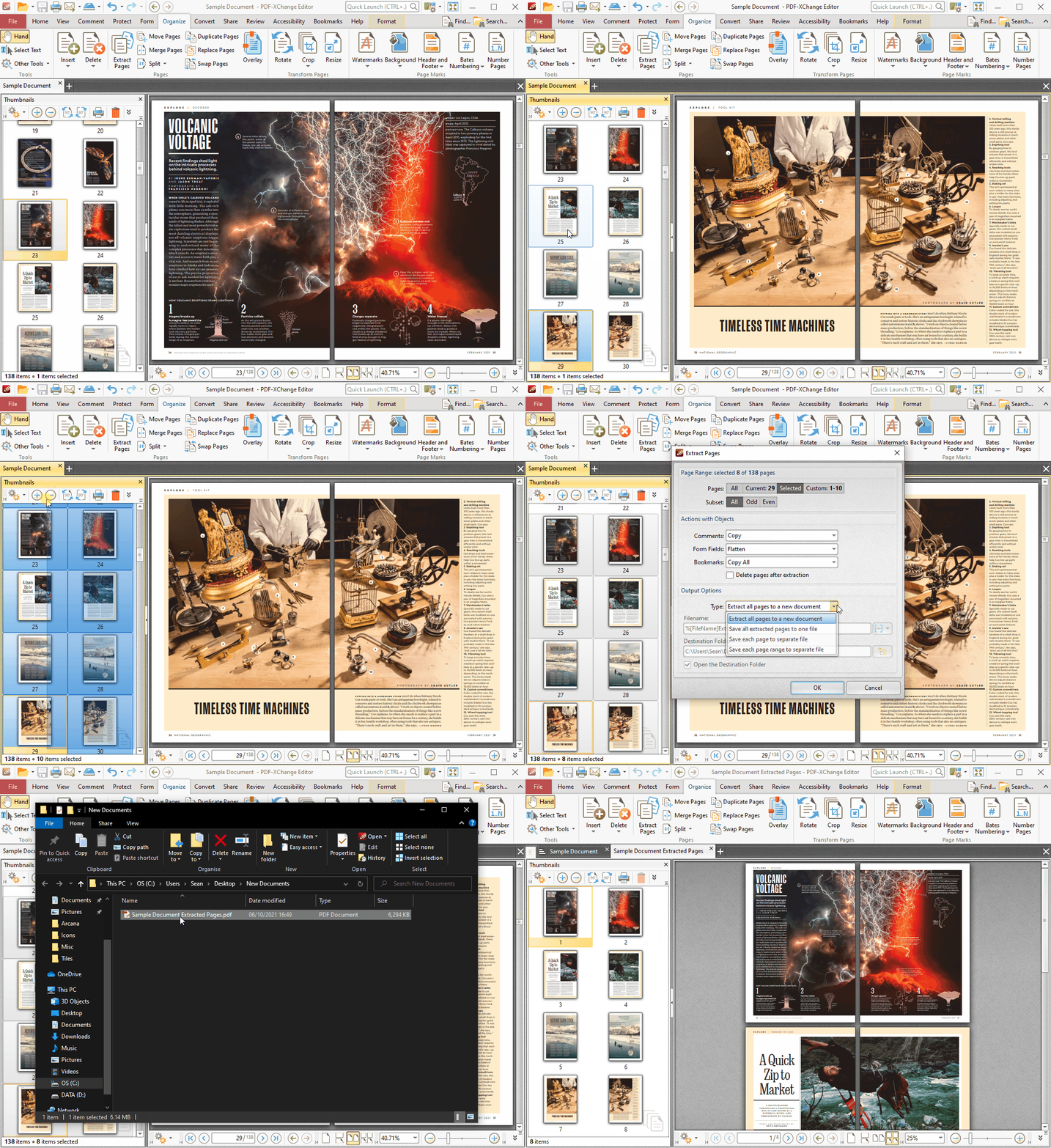
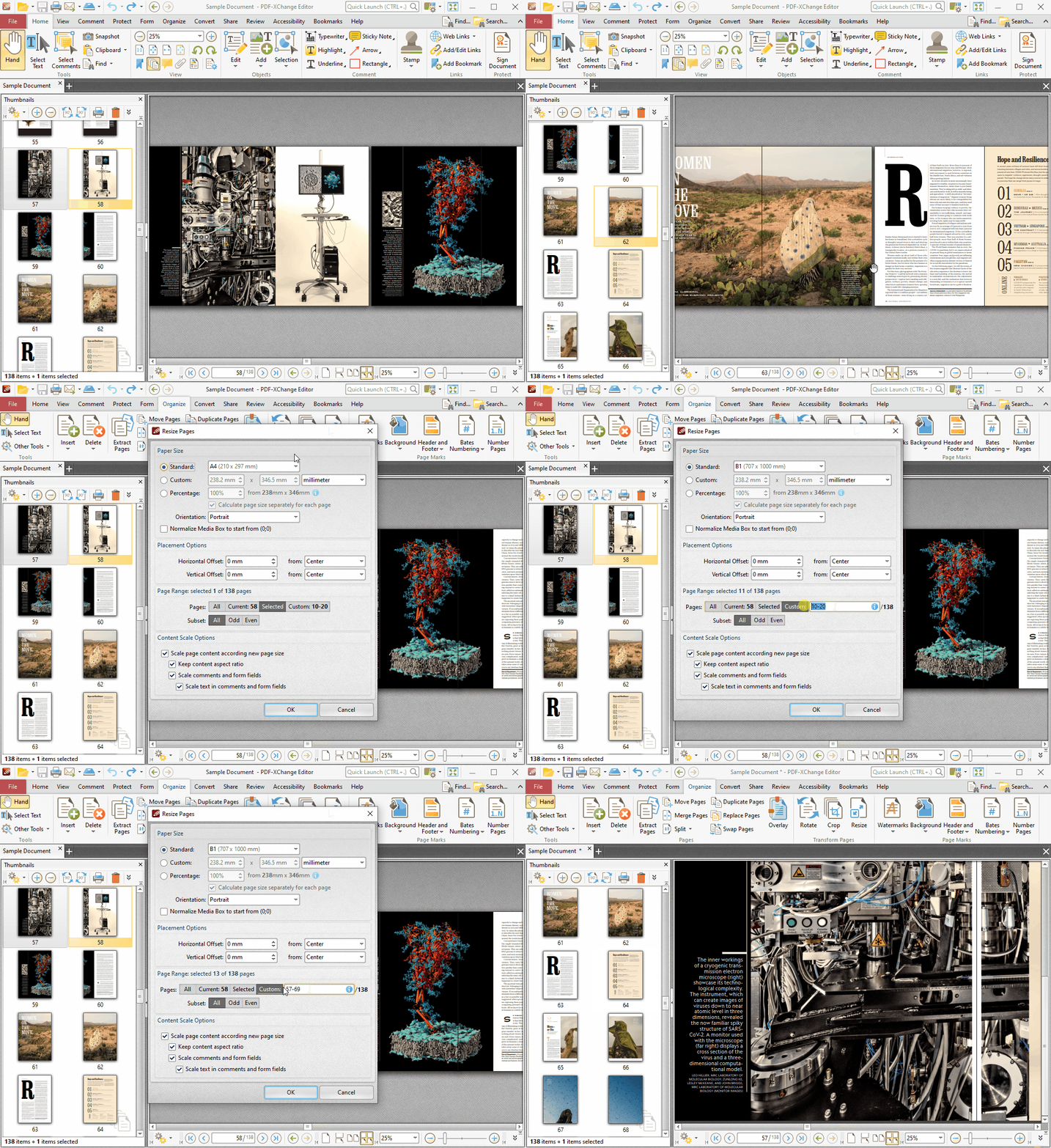
  • Delete Pages
  • Move Pages - By Drag&drop in Thumbnails View.
  • Insert/Import Pages (from existing PDF files) 
  • Extract pages to a new file (PDF or Image format - 15 formats supported)
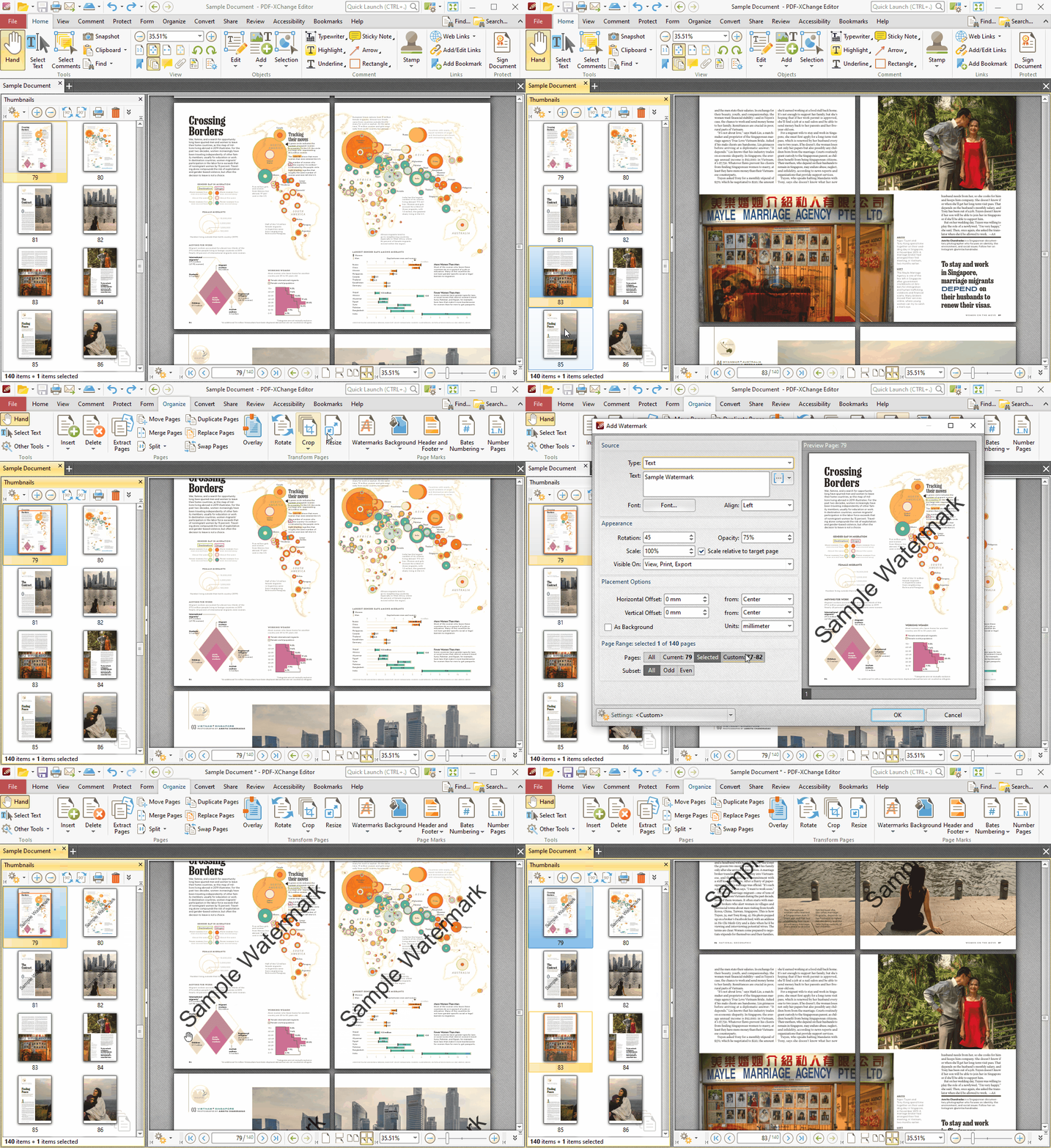
  • Crop Pages/Files  
  • Flatten Annotations/Comments
  • Insert Blank page
  • Summarize Comments
  • Export Comments
  • Scan Direct to PDF
  • Create PDF documents from text and RTF files
  • Convert 15 supported image formats to PDF
  • Add Digital Signatures (incl. Time Stamps)
  • **For a limited time, by purchasing a PRO Viewer license customers receive a FREE copy of PDF-XChange 4.0 Lite. Click Here for Details.

Download Now

Try this product for free!

Current Version: 2.054 (View Previous Versions)
Supported Operating Systems: Windows 2000 & Later


Not sure which download is right for you?
Click here to view the download notes


Product Reviews

Expand Reviews
There are no reviews for this kind of product.
Avg.
Score:
5/5 Stars
From ReviewsAdd a Review

by What Adobe Acrobat / Reader SHOULD be 14 Aug, 2010 09:49 AM PDT

Adobe may have come up with PDF format, but it is, sadly, no longer the best software company to view/work with PDF files. I found resorting to using older Adobe product versions, simply because they were faster. Acrobat/Reader has become unbelievable bloatware.

I found the PDF-XChange software to be faster and easier, with better interface, and producing just as high a quality PDF output as anything Adobe puts out. Highly recommend checking it out! Competition is good, and this software is definitely giving overpriced Adobe HOGWARE a run for the money!

by Przemek 13 Aug, 2010 05:04 AM PDT

program jest zajebisty!!!!

by VS 9 Aug, 2010 04:59 PM PDT

It is indeed THE software to use for viewing/editing pdf files. I hope products such as PDF-XChange Viewer beats Adobe's defective, clumsy and poorly integrated revenue streams and put them out of business. Adobe's products are not meant for the average user and are always in a pre-alpha release. Yet, it is very unfortunate that Adobe charges a minimum of $400 for Acrobat 9.
Advantages of PDF-XChange Viewer:
It works as advertised - opens, edits pdf files and even displays them in popular browsers (Firefox, Chrome and IE too) without error or warning dialogs. Fonts and figures appear crisp and clean.