Translate
Francais Español Deutsch


Developers Product Chooser PDF Choosing Wizard Feature Comparison Chart Image Product Chooser Image Comparison Chart

Do it all with PDF-XChange PRO

A product suite that includes all of the above PDF products and allows you to do pretty much whatever you want with PDFs

PRO PDF

PDF-XChange Viewer

PDF-XChange Lite

PDF-XChange Standard

PDF-Tools

Imaging Products


Raster-XChange


Tiff-XChange

SDKs for PDFs: SDKs for Imaging: Clarion® SDKs:

PDF Related

Imaging Products

Clarion® Developers now have the choice of using our generic SDKs, or downloading our Clarion® specific SDKs which include extra Clarion® classes, templates and examples for fast and easy integration into their Clarion® based applications.
Buy Now

PDF-XChange PRO

PDF-XChange PRO 2012 - The Worlds best general purpose PDF creation and manipulation Tool just got better! PDF-XChange PRO 2012 offers all the features of the PDF-XChange Standard 2012 version PDF writer and comes bundled with our flexible and extensive all purpose tool for PDF creation and modification - PDF-Tools. Combine this with our award winning PDF-XChange Viewer PRO, MSOffice Toolbar Addin (converts .xls, .pub, .ppt, .vsd & .doc to PDF with MSOffice application specific options)  ,OFFice2PDF batch utility and PDF-XChange PRO is just about as good as it gets as a complete PDF software solution - and all for less than $75.00!

PDF-XChange consistently offers the smallest files, fastest and most reliable PDF creation and manipulation available today. Print to PDF from your favorite Windows applications using this robust bundle, feature rich PDF convertor, PDF Reader, and advanced PDF manipulation tools, you'll be amazed by the results.

  • Re-engineered with a faster, highly optimized conversion engine (NEW)
  • Improved image conversion (NEW)
  • Improved image text character conversion (NEW)
  • ISO PDF/A 2a, 2b, 2u(RGB) format support (NEW)
  • Supports Revision 6 of Acrobat X® password security handler (NEW)
  • World leading compression and optimization technology
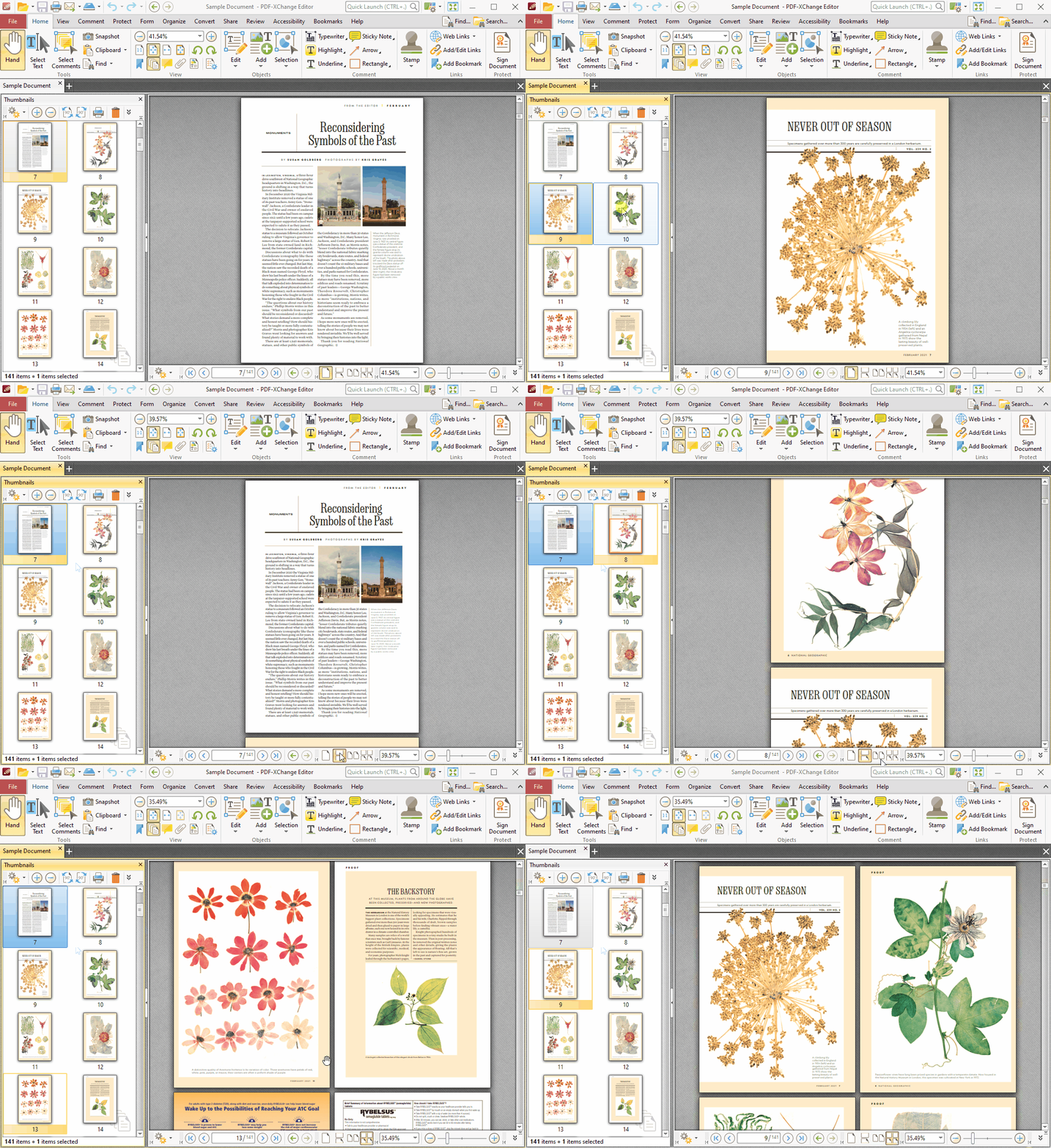
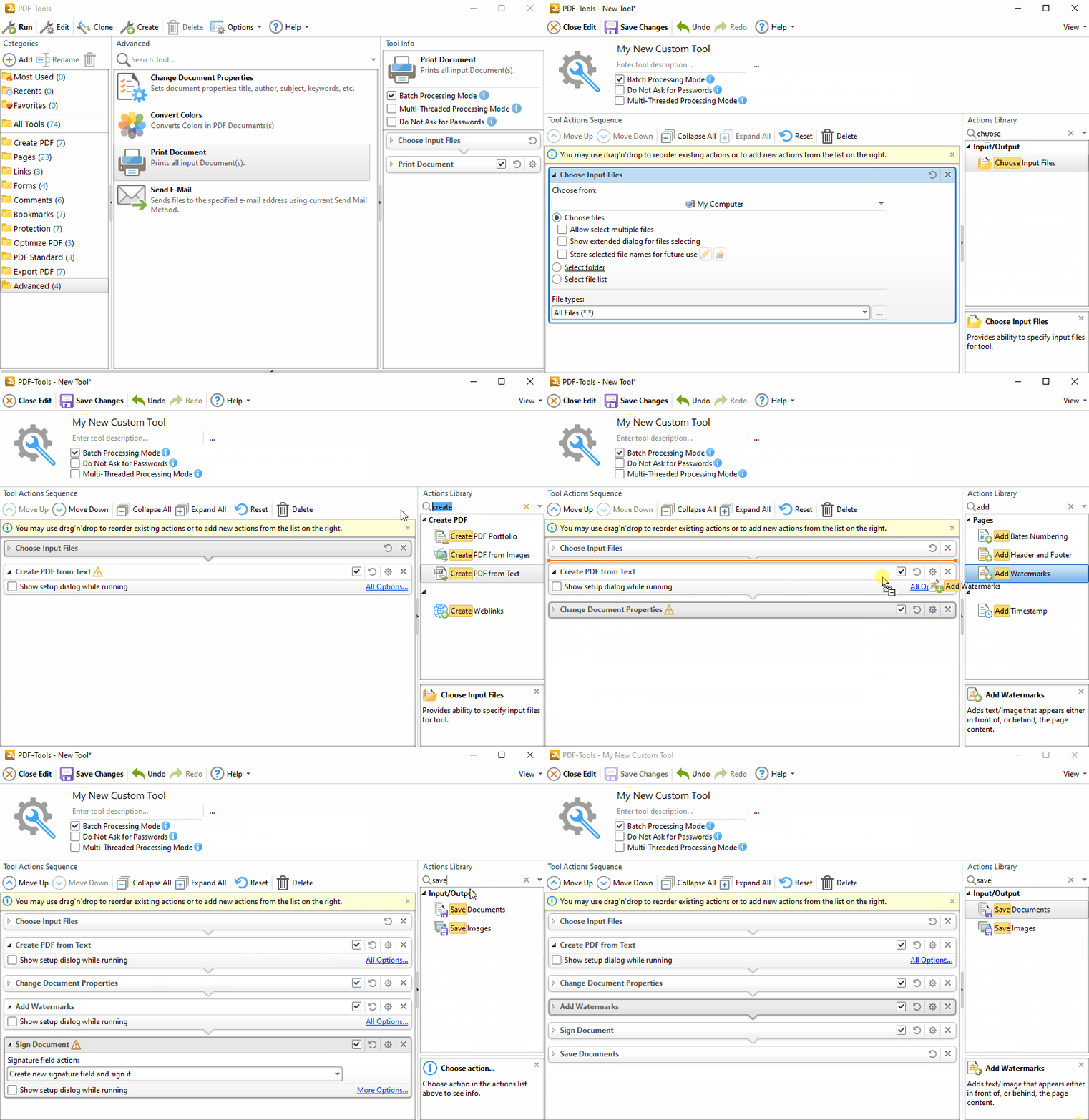
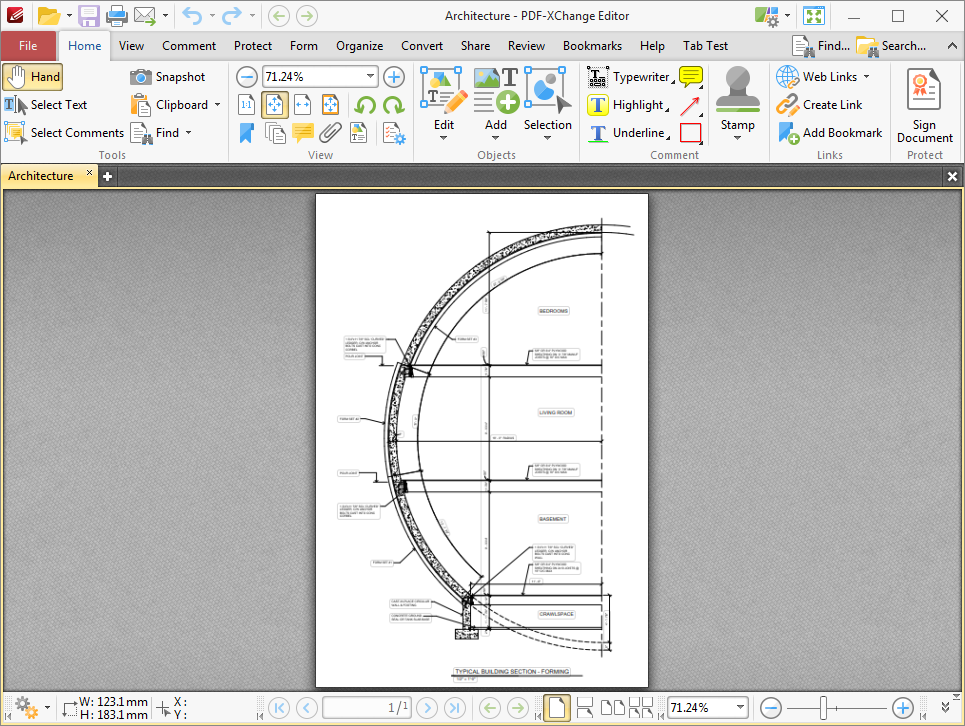
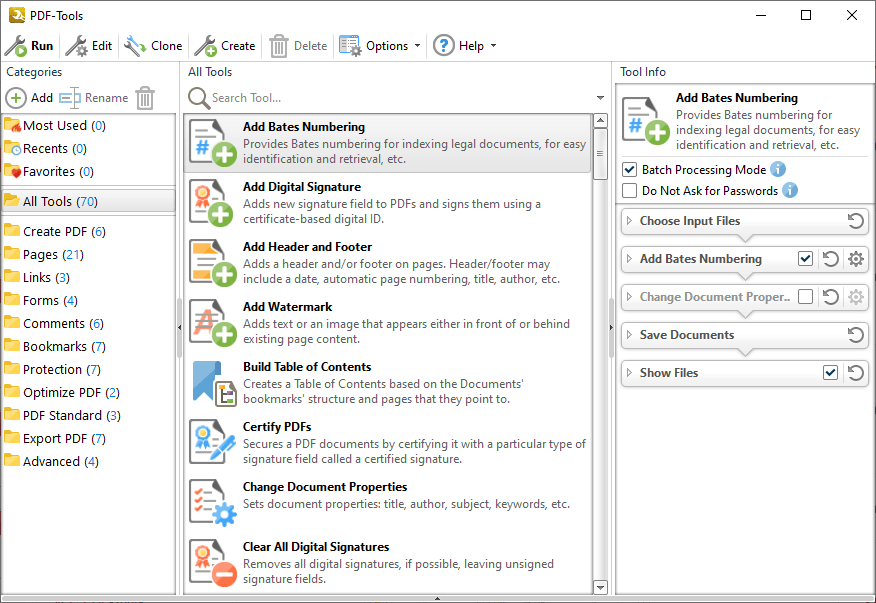
  • Includes PDF-XChange Viewer PRO PDF reader and PDF-Tools PDF wizard application
  • Create new PDF files from the output of any Windows application
  • Complete Control over PDF creation properties 
  • Batched & "Watched" Folder Conversion to PDF of MS Office documents 
  • ISO PDF/A 1a & 1b format support for guaranteed long term archive standards support 
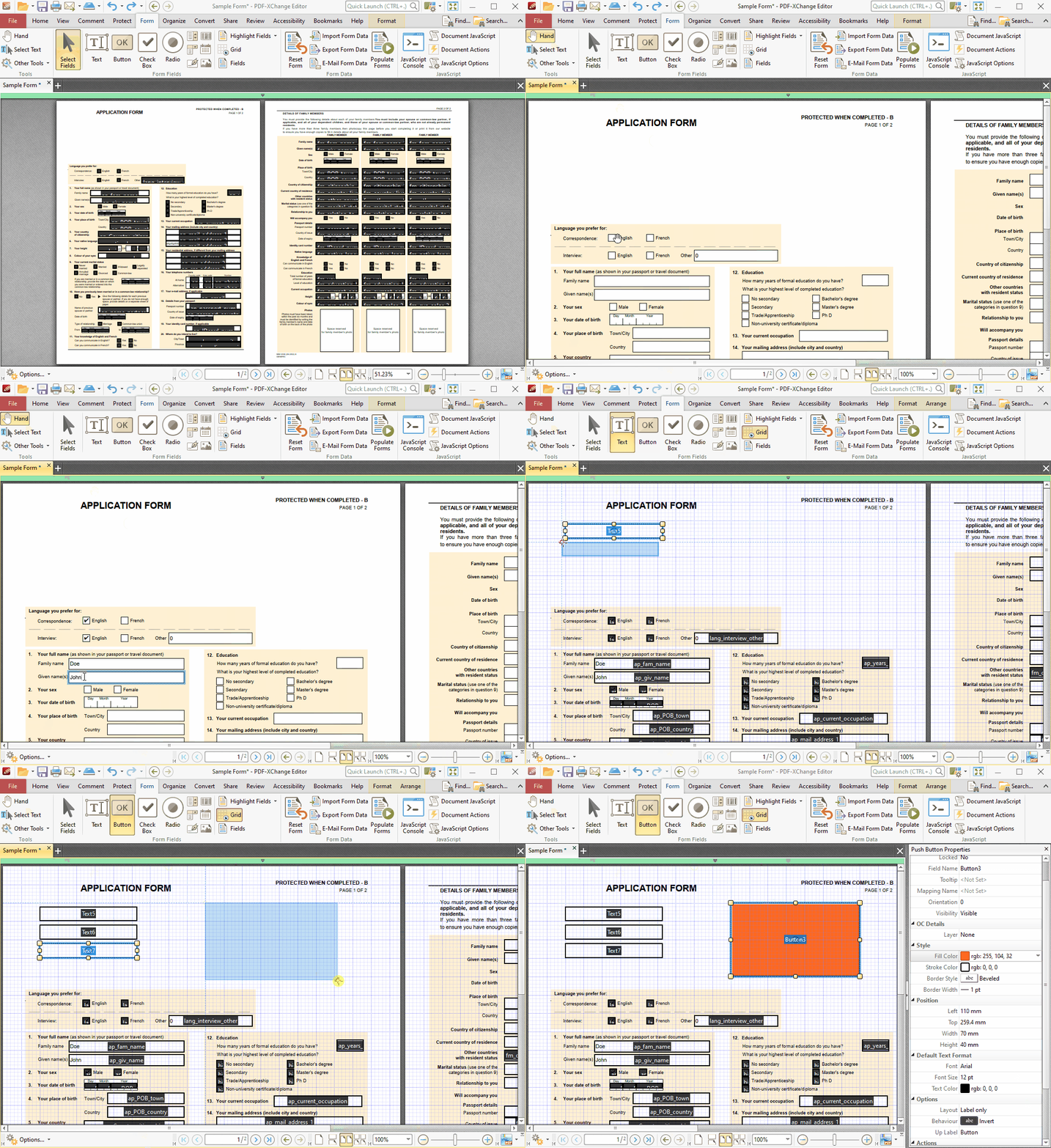
  • Create Interactive Adobe AcroForms (using converted MS Word Web forms via Toolbar Add-in and MS Word 2003) 
  • Document Security -  Password Protection &Permission options
  • PDF writer Optimization/Compression Controls
  • Advanced Memory Management
  • Convert Image files to PDF (Raster/Metafile Image Formats)
  • Convert PDF to Image Formats (Raster Formats only - BMP, JPEG, TIFF, etc.)
  • Append/Prepend Pages from one PDF file into another PDF file
  • Comprehensive Job Management Features
  • Extended functionality provided for MS Office integration - via the Toolbar Add-in 
  • Scan Direct to PDF
  • Convert to PDF, Images and Text without the use of third-party applications
  • OCR existing Image based content and pages to create a text searchable layer via the Viewer PRO options
  • Manipulate and Modify Existing PDF files
  • Extract Content from PDF to Text/Image/PDF formats
  • Add/Edit/Modify Bookmarks
  • Convert .RTF & .DOC to PDF (no OCR capabilities)
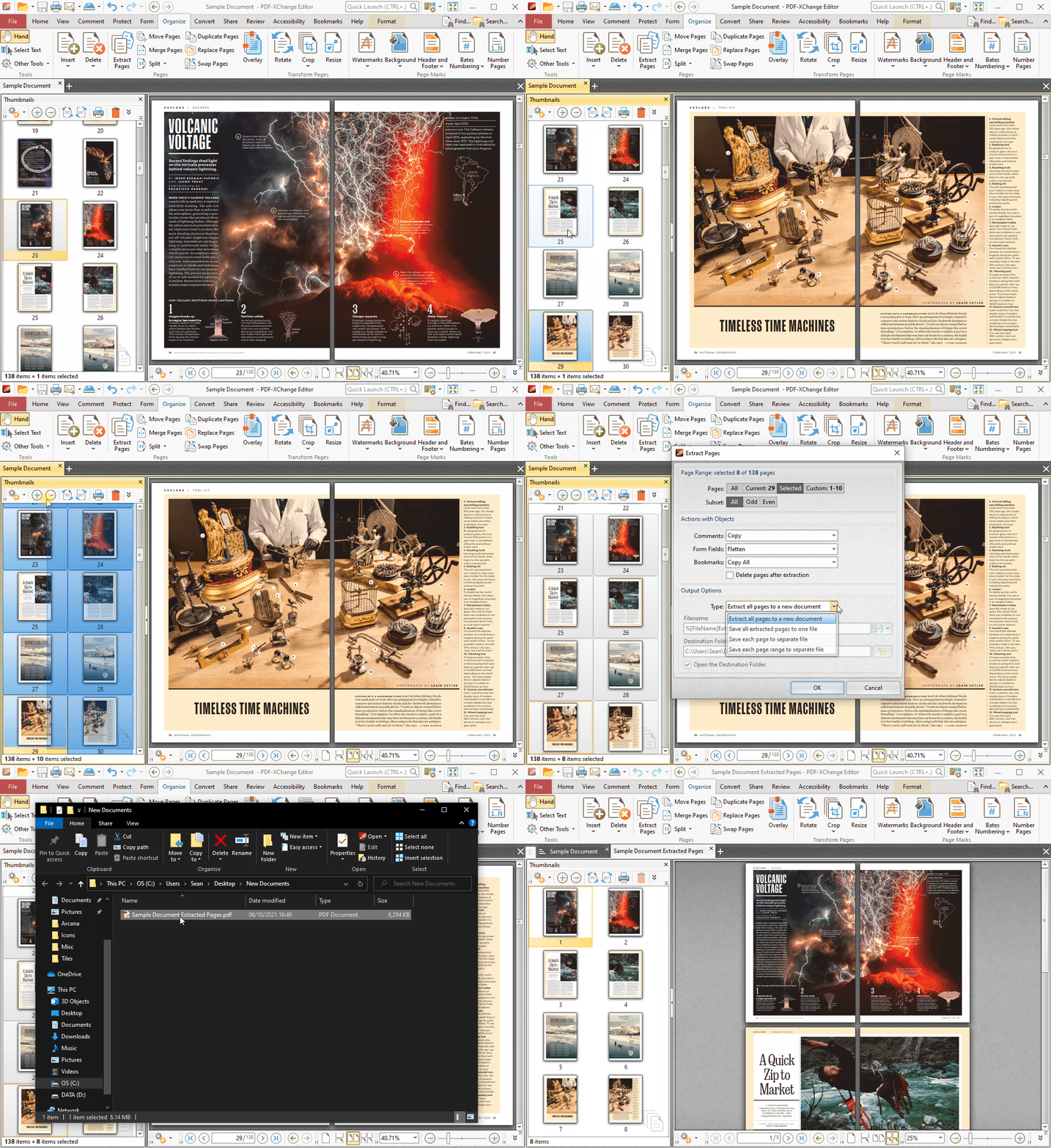
  • Extract PDF pages to a new PDF file
  • Split/Merge PDF files
  • Delete/Crop/Rotate PDF pages
  • Re-Order Pages within a PDF file
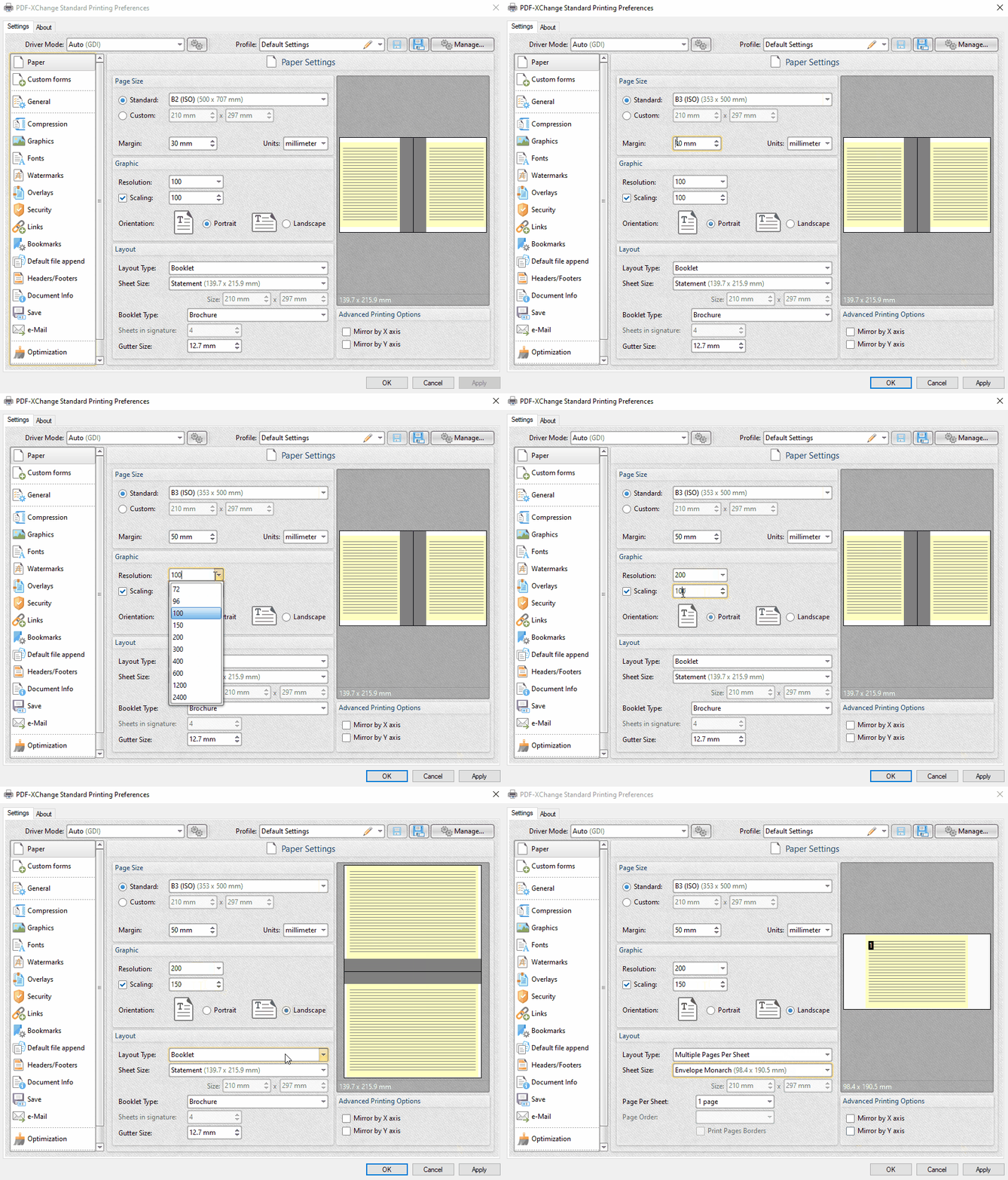
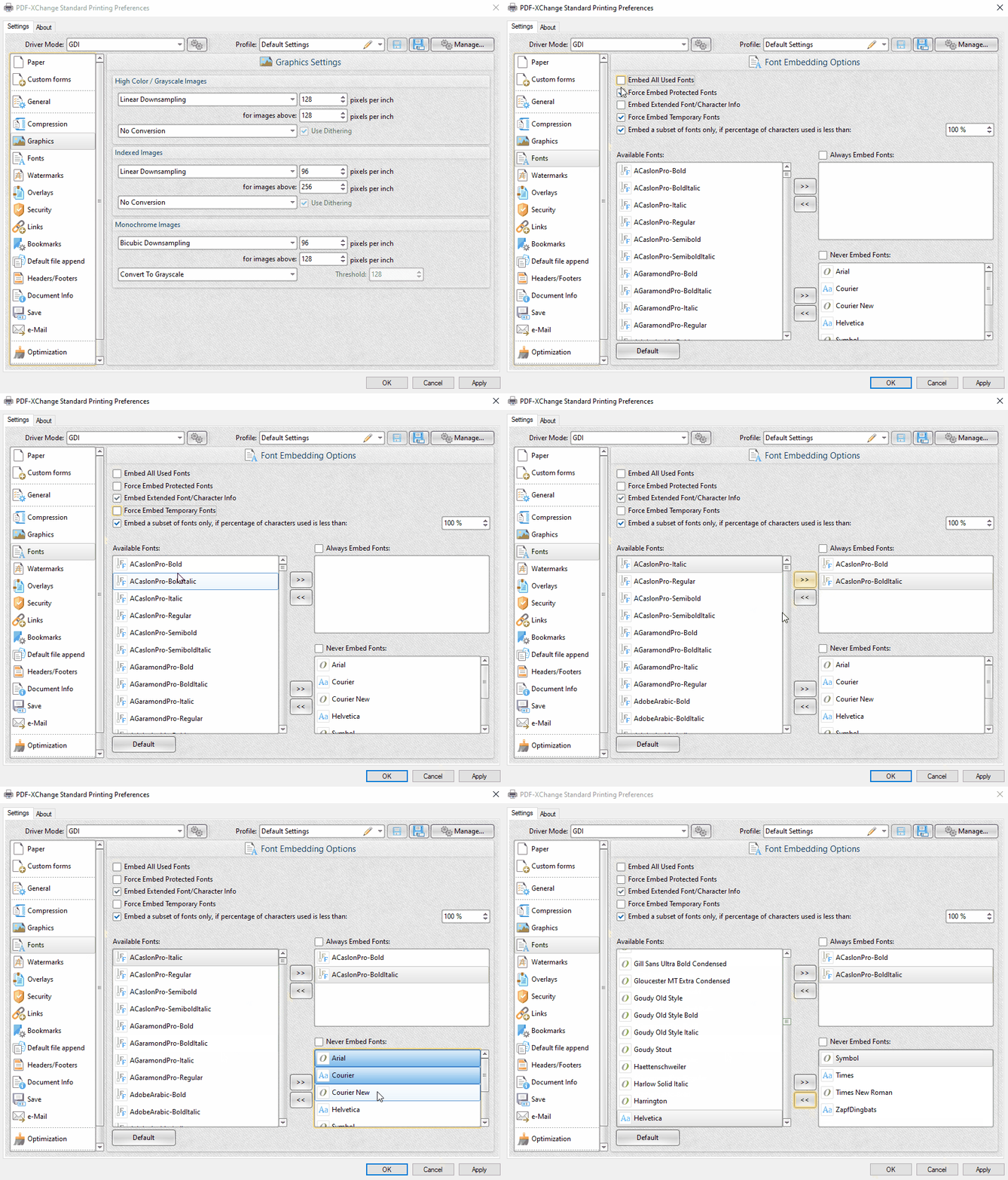
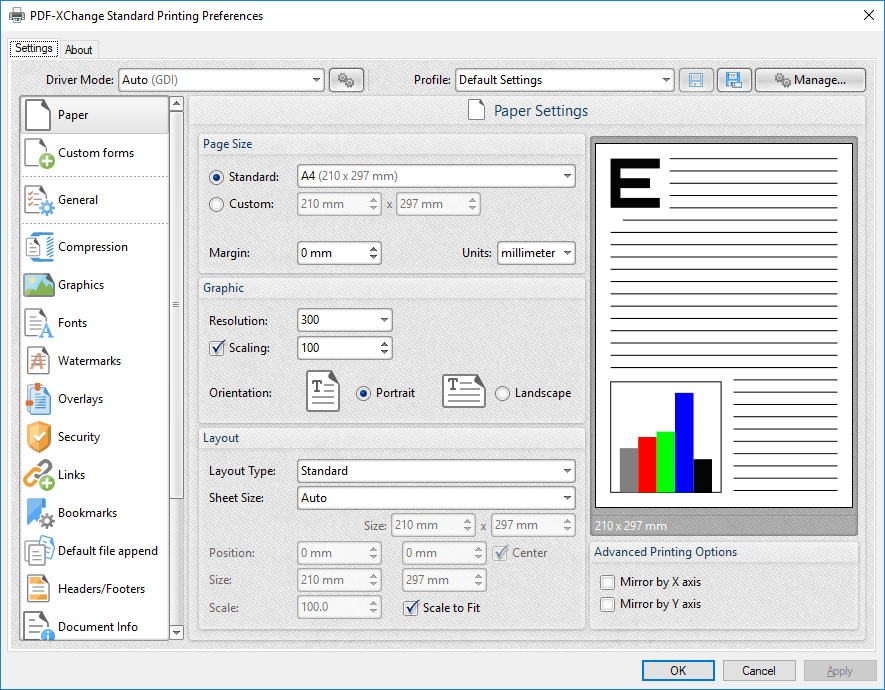
  • Paper Settings & Custom Forms options
  • Control Resolution/Scaling
  • Mirrored Printing support
  • Include 'clickable" URL links - literal (eg. http://www.tracker-software.com & mailto:sales@tracker-software.com)
  • Include 'clickable' URL links - embedded (eg. Click Here & Send Email)
  • MS Office Table of Contents (TOC) 'Clickable' links convert to PDF
  • n-UP Printing mode - automatically mounts and rescales pages to a single page and calculates correct page positions etc.
  • Enhanced visual layout previewer allow you to re-size pages via the printer preferences
  • Brochure/Booklet Mode print output
  • Flexible DPI output options 50 - 2400DPI available
  • CJK fonts/character set support
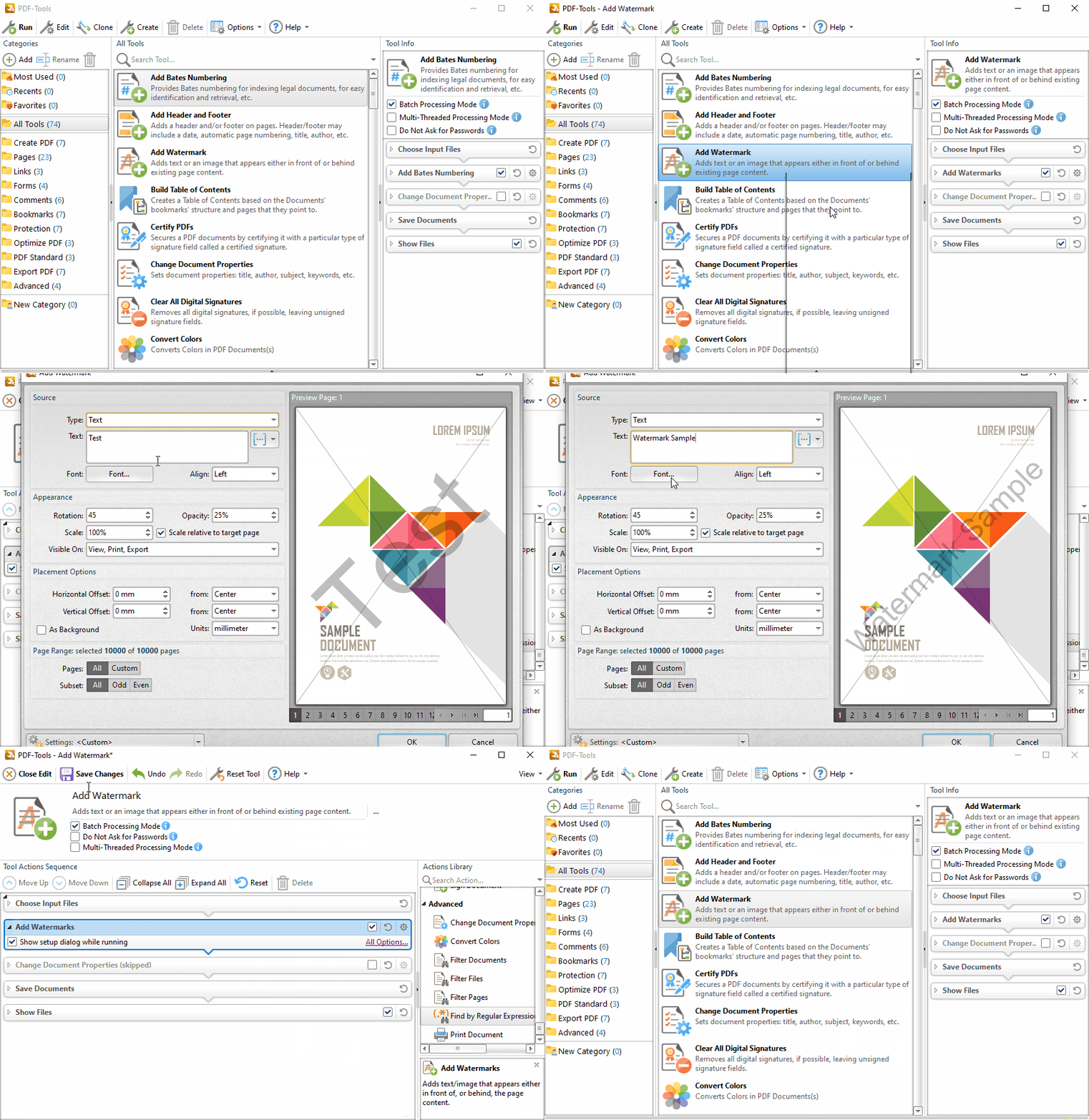
  • Add Watermarks or Overlay PDF pages to new PDF output - ideal for Company Stationery use.
  • Auto Bookmark generation
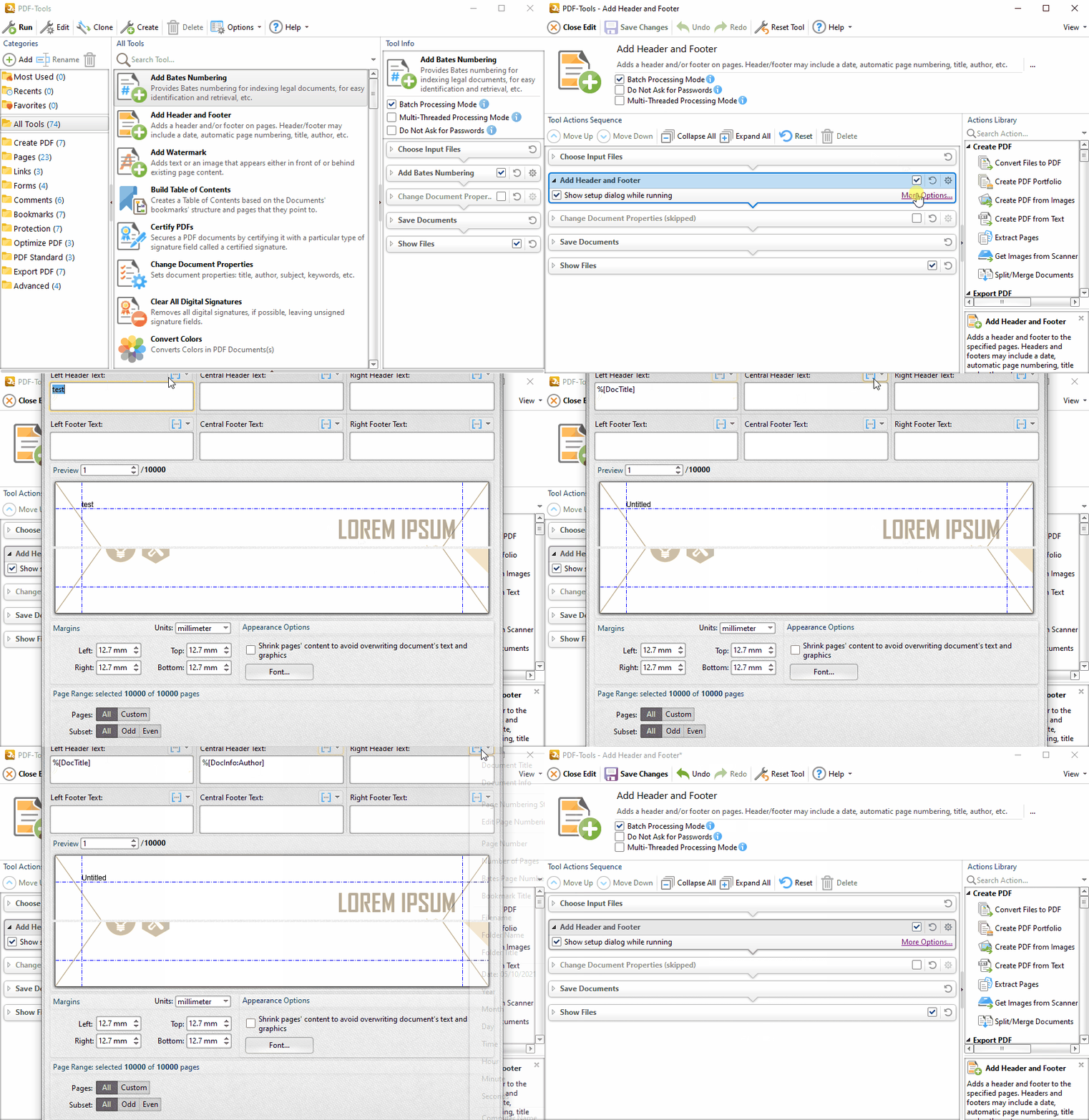
  • Auto Header/Footer generation
  • Graphics Downsampling options(Linear, Bilinear, Bicubic) also Colour ->Grayscale->Mono options
  • Extended Font embedding options
  • Profiles - create specific printer preferences and save to Profiles for future use.
  • MAPI/SMTP Automated Email integration options
  • Developers API available(subject to licensing)
  • Multi-language UI support
  • Windows XP > Windows 7  (32/64 bit) 
  • Citrix Metaframe/Terminal Server Certified.
  • 'Macro' based Auto file naming/location - with Javascript rule based options available. 
  • Comprehensive Digital Signature and Security including 40/128 bit RC4 and 128/256 bit AES Encryption options
  • Print to PDF from a virtual printer listed in your printers list
  • OFFice2PDF - Advanced MS Office - Batch File PDF Converter supplied free
    and much more !


Download Now

Try this product for free!

Current Version: 5.0.269 (Updated on 5 Mar 2013)
Supported Operating Systems: Windows XP or later
Not sure which download is right for you?
Click here to view the download notes
Expand Reviews

Product Reviews

5/5 Stars Avg. Score:
Add a Review From 2 Reviews

by Rex Harrill 14 Mar, 2011 02:25 PM PDT

I'm usually too busy to write complimentary notes, but I can hardly keep using PDF XChange Pro day after day without letting you know how fine the software is (but you knew that, didn't you?).

This thing is a work of art. I remember waiting a long time before plunking down some money with you as I patiently scoured the internet for a competent PDF handler. Phooey on the competitors---you guys have a wonderful product and it slices, dices, and chops (and then reassembles) PDFs so gracefully that I am very, very thankful I tried you out. And it does all this quick as can be.

So thanks---I have now done my duty.

Rex Harrill

by Neil Brougham 10 Mar, 2011 06:42 AM PDT

Here is a program that just works. No inconvenient updates and upgrades every few days.
This is one of the first programs I install when setting up a new computer.
It is worth every penny, and has allowed me to banish Adobe from my computer.

5/5 Stars Avg. Score:
Add a Review From 8 Reviews

by M. Klein-Reesink 22 May, 2011 05:55 AM PDT

Great product! I used Adobe Reader long years, but it became to unsecure and took too many system resources. I tested other competitiors like FoxIt, but it was not so fine-tuned and comfortable like yours. Also tested some freeware-PDF-writer, but their results were not so perfect like the files made by PDF-XChange! :-) Really good!

by Linda Fahlberg-Stojanovska 12 Nov, 2010 01:18 AM PDT

Absolutely the best pdf software period. Does EVERYTHING I want.

by Bruce Gaugler - Long Island Cares, Inc. 4 Nov, 2010 07:39 AM PDT

The final straw with Adobe Acrobat was looking, at length as usual due to their complicated user interface and unhelpful help site, for a way to resize font in text boxes and callouts. Finally, I searched the Internet, only to find . . . Adobe Acrobat does not even provide this capability!

That was it. A V-8 moment occurred, without the head-slapping: Why the heck did I abandon PDF XChange 4 Pro for this bloated, pretentious piece of junk from Adobe?

I uninstalled Adobe Acrobat (saving myself 4GB of hard drive space in the bargain) and reinstalled PDF XChange 4 Pro. The first thing I noticed were the text box and callout tools and, lo and behold, the drop down menus for selecting text fonts and sizes. No hunting, no perplexity, no frustration.

This and so many other things are more convenient, better presented and documented, and just plain easier to do in PDF XChange 4 Pro. V-8 moment! This time, including head-slap. Ouch!